How to Register Your Sender ID with Cellcast: Complete ACMA Registration Guide
From 1 July 2026, Australian businesses using an alphanumeric SMS Sender ID must register that Sender ID through the Australian Communications and Media Authority (ACMA) Sender ID Register.This guide explains exactly how the registration process works, what information you'll need, and how to complete your Sender ID registration through Cellcast.
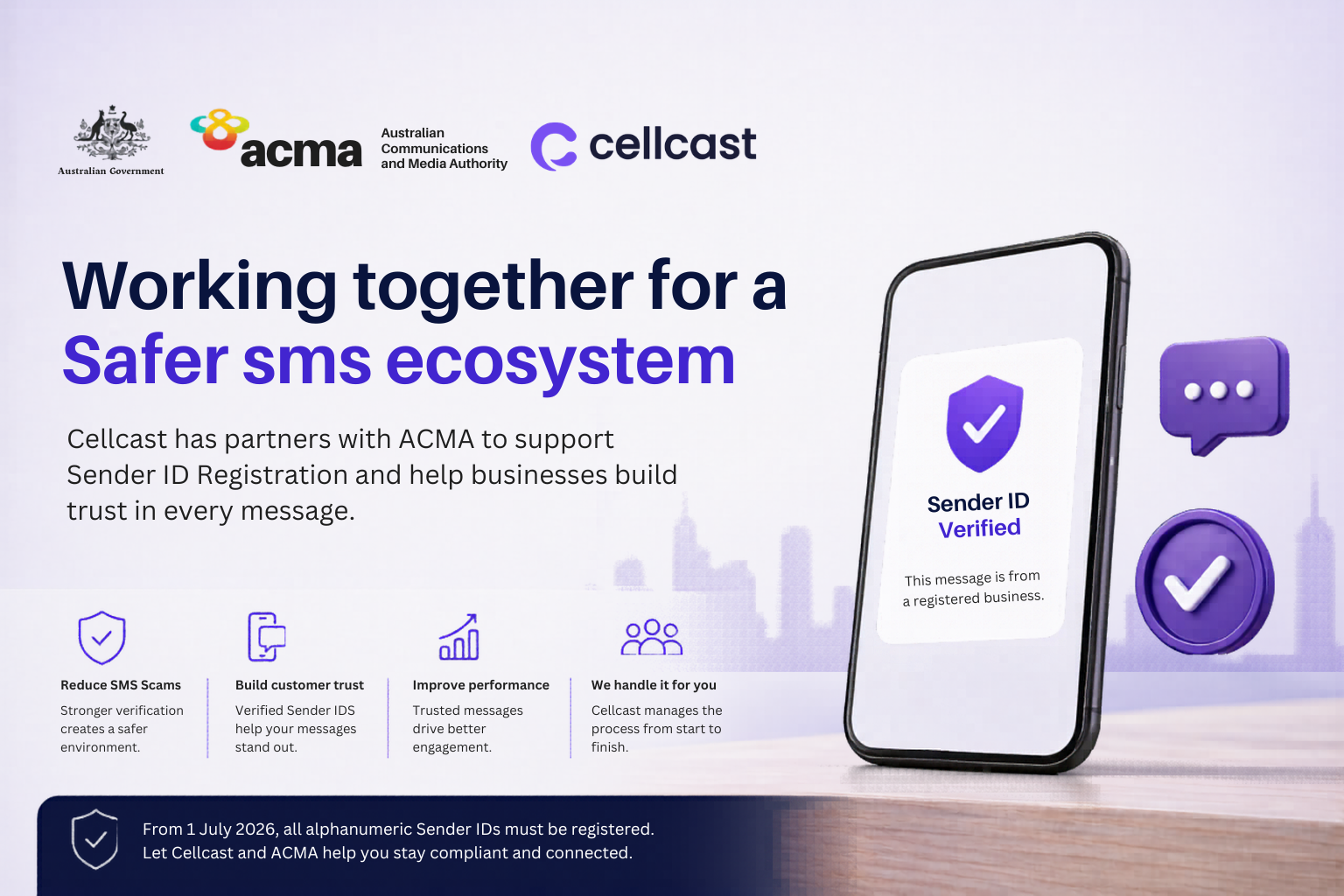
From 1 July 2026, Australian businesses using an alphanumeric SMS Sender ID must register that Sender ID through the Australian Communications and Media Authority (ACMA) Sender ID Register.
If your organisation sends SMS messages using a business name, brand name, trading name or other alphanumeric Sender ID, registration is now a critical step in maintaining a trusted SMS presence and ensuring compliance with Australia's new messaging framework.
The good news is that Cellcast manages almost the entire registration process on your behalf. In most cases, the only action required from your organisation is approving a verification email sent by ACMA.
This guide explains exactly how the registration process works, what information you'll need, and how to complete your Sender ID registration through Cellcast.
What Is Sender ID Registration?
Sender ID registration is the process of verifying that your organisation has the right to use a specific alphanumeric Sender ID when sending SMS messages.
Examples of Sender IDs include:
- CELLCAST
- MYBUSINESS
- BOOKINGS
- SUPPORT
- HEALTHCARE
Rather than displaying a mobile number, these Sender IDs display your business name to recipients.
Under the new ACMA framework, businesses using alphanumeric Sender IDs are required to register them through the ACMA Sender ID Register.
Why Is Sender ID Registration Important?
The Sender ID Register has been introduced to:
- Reduce SMS scams
- Prevent brand impersonation
- Improve customer trust
- Verify legitimate businesses
- Strengthen Australia's SMS ecosystem
Once approved, your Sender ID is recognised as belonging to your organisation.
How Does the Cellcast Registration Process Work?
The registration process consists of five simple stages:
Stage 1: Submit Your Sender ID Through Cellcast
Log into your Cellcast account and submit the Sender ID you wish to register.
Stage 2: Compliance Review
The Cellcast Compliance Team reviews your information to ensure it meets ACMA requirements.
Stage 3: Submission to ACMA
Once validated, Cellcast submits the registration request directly to ACMA on your behalf.
Stage 4: ACMA Verification
ACMA sends a verification email to the authorised contact associated with your organisation.
Stage 5: Activation
After verification and approval, ACMA finalises the registration and Cellcast activates the Sender ID on your account.
Most registrations are completed within a few business days once verification has been completed.
What Information Do You Need?
Before starting the registration process, make sure you have:
Sender ID
Your desired Sender ID must:
- Be between 3 and 11 characters
- Be alphanumeric
- Represent your business or brand
Australian Business Number (ABN)
Your organisation's ABN is required for verification purposes.
Business Information
You'll need:
- Company name
- Website address
- Business address
- Organisation details
Authorised Contact
You must provide:
- First name
- Last name
- Business email address
- Contact phone number
This is the person who will receive the ACMA verification request.
Step-by-Step Guide: How to Register Your Sender ID with Cellcast
Step 1: Log Into Your Cellcast Account
Access your Cellcast dashboard.
Step 2: Open the Sender ID Registration Section
Select:
Register ID → Add Business Name
Step 3: Enter Your Sender ID
Enter:
- Sender ID
- Description
- Purpose of use
Examples include:
- Marketing campaigns
- Appointment reminders
- Customer notifications
- Service updates
Step 4: Confirm Brand Ownership
Indicate whether you are the owner of the Sender ID being registered.
Step 5: Enter Business Details
Complete:
- Company name
- ABN
- Website
- Business address
Step 6: Review Your Information
Double-check all details before submission.
Step 7: Submit Registration
Submit the registration request through the platform.
The Sender ID will initially display as:
Inactive
This simply means the registration is awaiting review and approval.
Step 8: Cellcast Compliance Review
Our Compliance Team reviews the request and may contact you if additional information is required.
Step 9: ACMA Verification Email
Once submitted to ACMA, an authorised contact within your organisation will receive a verification email.
The email will come from:
Be sure to check:
- Inbox
- Spam folder
- Junk folder
Step 10: Complete Verification
Open the email and click the secure verification link.
You will then:
- Log in using your Digital ID (myID)
- Confirm the registration
- Submit the approval
This is the only action your organisation needs to complete.
Step 11: ACMA Approval
Once verification is complete, ACMA reviews and finalises the registration.
Step 12: Sender ID Activation
Cellcast activates the Sender ID on your account and confirms successful registration.
Your Sender ID is now active and compliant.
What Happens After Approval?
Once approved:
- Your Sender ID becomes active
- Registration is complete
- Cellcast confirms activation
- You can continue sending SMS messages as normal
No additional action is required unless ACMA requests further information.
Common Registration Delays
Most delays occur because:
- Contact details are incorrect
- Verification emails are missed
- Business information is incomplete
- Additional evidence is required by ACMA
To avoid delays, ensure all submitted information is accurate and monitor the authorised contact's inbox.
Frequently Asked Questions
Do I need a Digital ID (myID)?
Yes. ACMA requires Digital ID verification as part of the registration process.
Who receives the verification email?
The authorised business contact submitted with the registration.
What email address does the ACMA email come from?
How long does registration take?
Most registrations are completed within a few business days after verification.
What happens if I miss the verification email?
Check your spam or junk folders. If you still cannot locate it, contact Cellcast for assistance.
Does Cellcast complete the registration for me?
Yes. Cellcast manages the review, submission, compliance checks and activation process. The only action required from your organisation is completing the ACMA verification step.
Need Help Registering Your Sender ID?
The Cellcast Compliance Team can assist with every stage of the registration process.
If you're planning to continue using a branded Sender ID after 1 July 2026, now is the time to submit your registration and ensure your organisation remains compliant.
Read more from our blog

How to Connect Cellcast with GoHighLevel (GHL) | Complete Setup Guide
